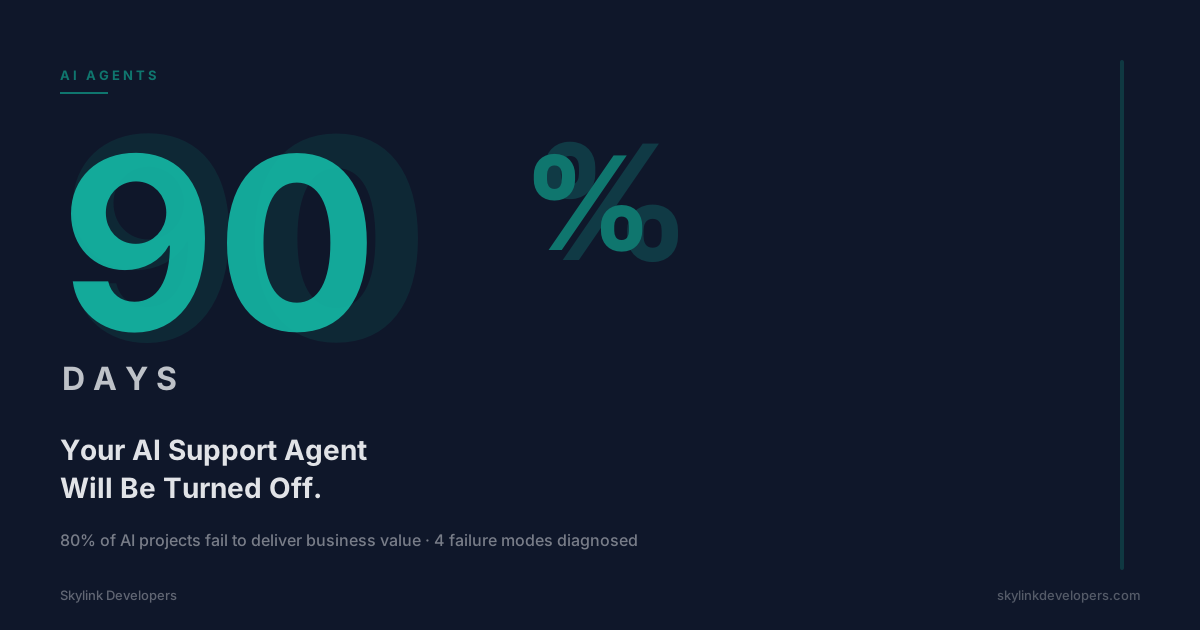
80% of AI projects fail. Most support agents get demoed, shipped, and quietly turned off within 3 months. Here are the 4 reasons why — and what the survivors do differently.
The demo looked great. The LLM answered every question smoothly. The stakeholders nodded. Someone said “let’s ship it.”
Three months later, the agent was off. A Zendesk macro replaced it. Nobody talks about it.
This is the most common outcome in enterprise AI right now. A RAND Corporation analysis of 2,400+ enterprise AI initiatives found that 80% failed to deliver intended business value. Gartner projects 40% of agentic AI projects will be cancelled outright by 2027. These aren’t startups experimenting recklessly — these are funded, staffed teams with good intentions.
The failure isn’t random. It follows a pattern. And it’s almost always caused by one of four specific things.
Reason 1: You Built the Demo Before the Data Layer
The demo agent gets its answers from a curated knowledge base. Hand-picked FAQs. Clean product docs. Three example tickets someone wrote on a Friday afternoon.
Production is different. Real users ask about an order placed 6 months ago. They want to know why their invoice shows a charge from a deprecated plan tier. They ask about a feature that was renamed twice and now lives under a different menu.
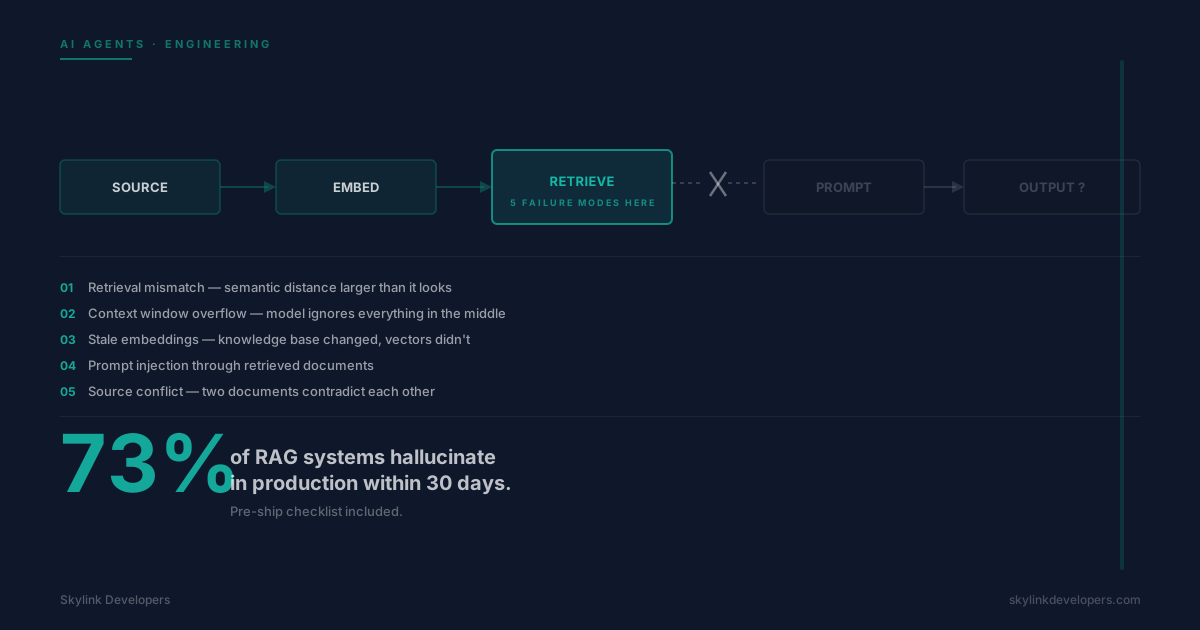
When the agent can’t find the answer in its context, it does one of two things: it says “I don’t know” — which destroys trust — or it confabulates. Enterprise chatbots hallucinate in roughly 18% of live interactions. That’s almost 1 in 5 answers containing something false.
Hallucination isn’t an LLM problem you can tune away. It’s a retrieval problem. If the right data isn’t in the context window at the right moment, the model fills the gap. The fix is architectural: you need a retrieval layer that connects live data — your CRM, billing system, help desk — before you ship to users.
Most teams skip this because it’s unglamorous work. Connecting to Stripe’s API, syncing Intercom ticket history, mapping product SKUs — none of it makes for a good demo slide. So it gets deferred. Then it kills the agent.
Reason 2: You Picked the Wrong Scope for Month 1
The instinct is to build an agent that handles everything. Password resets, billing disputes, onboarding questions, feature requests, refund requests, and “how do I export my data.”
When scope is too wide, the agent becomes a confused generalist. Tool misuse and incorrect tool arguments account for 31% of production failures. That number climbs fast when the agent has 15 tools instead of 4.
A generalist agent also makes failure harder to diagnose. When something goes wrong, is it the billing tool? The search index? The routing logic? You don’t know, so you can’t fix it.
The right month-1 scope is narrow enough to master: pick the 2–3 ticket types that are high-volume, low-variance, and well-documented. Handle those well. Measure them. Then expand.
Most teams don’t do this because leadership wants the full vision delivered in week 4. Saying “we’re launching with 3 intents” feels like admitting defeat. It isn’t. It’s the only way to build something that survives.
Reason 3: Nobody Owns the Agent After Launch
The vendor ships the agent. There’s a handoff call. The Loom walkthrough is in a Notion doc somewhere. Then the vendor moves on, and so does the internal team.
Two weeks later, a new help article gets published and nobody updates the knowledge base. A pricing change goes live and the agent still quotes the old number. A product update moves a button and the agent’s step-by-step instructions are now wrong.
Agents degrade. They don’t stay calibrated on their own. If nobody is reviewing failure logs weekly, adjusting confidence thresholds, and keeping the data layer current, the agent’s answer quality drops month over month.
88% of organizations deploying AI agents reported at least one security incident in 2025. Most of those incidents involved agents that had drifted — given permissions they no longer needed or accessing stale data they were never meant to surface.
Before you ship, name the person who owns this agent. Not a team. A person. They review the logs. They handle the tuning cycle. They’re responsible for the CSAT score. Without that, the agent is orphaned the day it launches.
Reason 4: You Measured the Wrong Metric
The metric everyone tracks first is deflection rate: what percentage of tickets the agent resolved without human intervention.
Deflection is useful. A human-handled Tier-1 ticket costs $8–$15. An AI-resolved ticket costs $1–$2. That math matters. But deflection alone tells you how many tickets the agent closed — not whether those closures were good.
An agent can “deflect” a ticket by giving a wrong answer the user doesn’t bother contesting. It can deflect by sending a help article that didn’t actually solve the problem. High deflection + low CSAT is worse than low deflection + high CSAT.
The teams that keep their agents running track three numbers: deflection rate, post-interaction CSAT, and re-open rate (tickets the user escalated anyway within 24 hours). When all three are moving in the right direction, you have a working agent. When deflection climbs but CSAT drops, you have a measurement problem masking a quality problem.
What the Agents That Survive Look Like
A 40-person SaaS came to us with a specific problem: their support queue was growing faster than headcount. 60% of tickets fell into three buckets — order status lookups, billing questions, and how-to queries on 4 core features.
We built SkyBot Support — a focused agent handling exactly those three categories. Nothing else. No “general questions.” No “tell me about pricing.” Strict scope from day one.
Before writing a line of agent logic, we spent two weeks on the data layer. SkyBot Support connects to their Stripe billing API for real-time invoice data, their internal order database for shipment status, and a versioned help doc system that flags stale articles automatically.
We assigned one internal owner at the client: their Head of Support, 3 hours per week. Her job is reviewing the weekly failure log, approving knowledge base updates, and monitoring the three core metrics.
The build took 4 weeks. Week 1 was data integration. Week 2 was agent logic and intent routing. Week 3 was internal testing on 200 historical tickets. Week 4 was a soft launch to 10% of users.
Results at week 1: 61% deflection on the scoped ticket types. CSAT held at 4.6/5 — equal to the human baseline. By month 3, deflection reached 74%. CSAT was 4.6/5 still. The re-open rate stayed under 4%.
That’s not magic. It’s the standard industry trajectory when you build it right: 35–45% deflection at launch, 60%+ after 6–12 months of tuning. Most teams never reach month 6 because they fail in month 2.
SkyBot Support is still running. Break-even hit at month 9. That’s within the 8–12 month window we see across most properly-built deployments.
The Test Before You Build
Before any architecture conversation, any vendor evaluation, any prototype — answer these three questions. If you can’t answer all three clearly, you’re not ready to build.
First: What are the 3 highest-volume ticket types in your queue right now, and are all 3 well-documented enough that a new human agent could answer them correctly on day one? If the answer is no, document them first.
Second: Which live systems does answering those tickets require? List every API, database, and data source. If you can’t connect to all of them programmatically before launch, the agent will hallucinate the answers it can’t retrieve.
Third: Who is the named person responsible for this agent six months after launch? Not a team. A person with calendar time allocated to it. If you can’t name them before you start, you’re building something that will be orphaned.
These questions are boring. That’s the point. The teams that skip them in favor of the exciting architecture questions are the ones in the 80% who don’t see ROI.
Before You Build, Have a 30-Minute Conversation
If you’re planning an AI support agent deployment in the next 6 months, we’ll walk through those three questions with you at no cost. We’ll tell you whether your current data layer can support the scope you’re imagining, and where the architecture risk actually lives.
30 minutes. No pitch. Just a clear-eyed look at whether the thing you’re planning is likely to still be running in month 4.
Book a free architecture call at skylinkdevelopers.com.